User Guide Overview
GeSmart Sync is a synchronization tool that automatically keeps your PrestaShop online store in sync with your GeSmart ERP system. It transfers data from GeSmart ERP to PrestaShop, ensuring your online store always has the latest:
- Products - Names, prices, stock levels, descriptions, images, SKUs
- Customers - Contact information, addresses, account details
- Brands - Brand names and information
- Categories - Product categories and hierarchies
Why Use GeSmart Sync?
info
This separate sync app prevents your PrestaShop store from going down for 4-6 hours during sync operations with 40,000+ products.
- Prevents Store Downtime: Syncs happen in the background without affecting your PrestaShop store
- Automatic Updates: Keep your store updated without manual work
- Real-time Monitoring: See exactly what's being synced as it happens
- Error Tracking: Know immediately if something goes wrong
- Flexible Control: Choose what to sync and when
Getting Started
Accessing the Application
-
Open your browser and navigate to the GeSmart Sync application URL
- Example:
https://your-domain.comorhttp://localhost:3000
- Example:
-
Login with your credentials
- If you don't have an account, contact your administrator
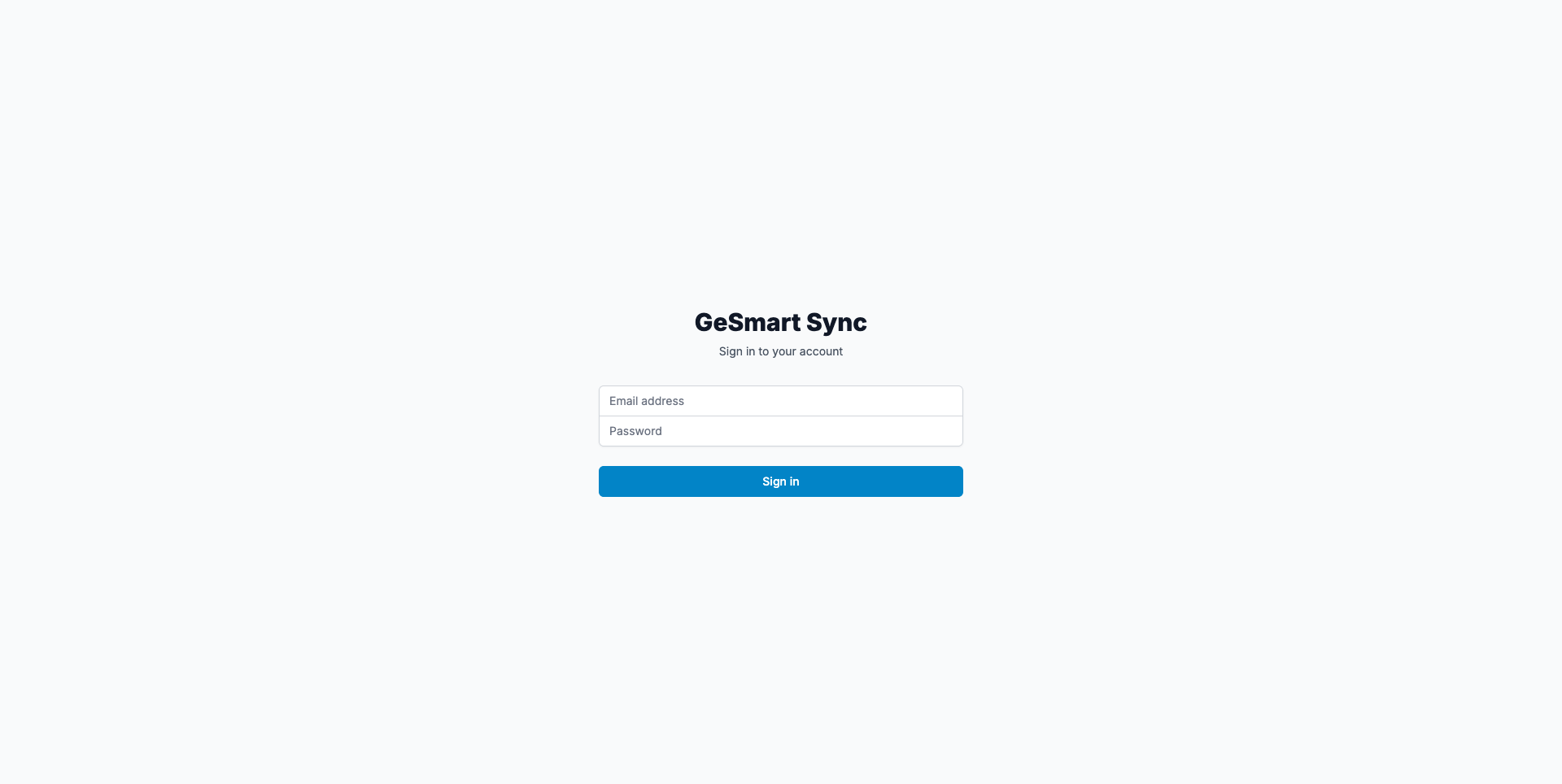
- You'll be redirected to the Dashboard automatically after login
First Time Setup
If this is your first time using the application:
- Check Configuration - Click "Configuration" in the top navigation
- Verify API Connections - Ensure GeSmart ERP and PrestaShop are properly connected
- Review Sync Settings - Check default sync frequencies and settings
- Test Connection - Use the "Module Connection Status" panel to verify connections
What's Next?
- Understanding the Dashboard - Learn about all dashboard features
- How Synchronization Works - Understand the sync process
- Manual Sync Operations - Learn how to start syncs manually
- Monitoring Sync Progress - Track sync progress in real-time