Understanding Sync Status
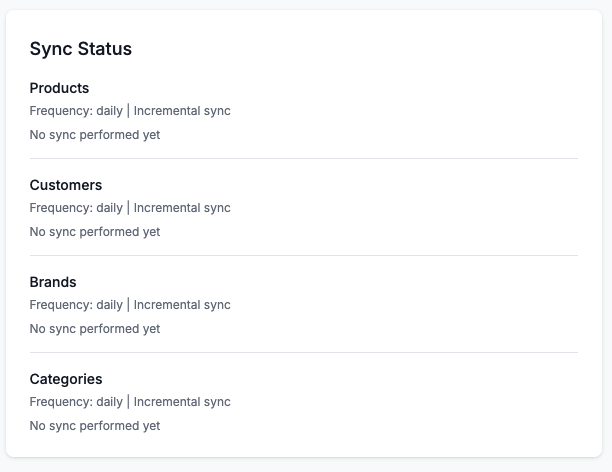
Status Indicators
Each entity type shows its sync status:
Last Sync Information
- Date and Time: When the last sync completed
- Items Synced: Number of items successfully synced
- Errors: Number of items that failed (if any)
Configuration Status
- Incremental Sync: Enabled or Disabled
- Auto Sync: Scheduled sync frequency (if configured)
Status Colors
- Green: Last sync was successful, no errors
- Yellow: Last sync had some errors (check logs)
- Red: Last sync failed or connection issues
- Gray: Never synced or sync disabled
Reading the Status Panel
Example status display:
Products
Last sync: 2 hours ago
Items synced: 1,234
Errors: 0
Incremental: Enabled
This means:
- Products were last synced 2 hours ago
- 1,234 products were successfully synced
- No errors occurred
- Incremental sync is enabled (only changes will be synced next time)